Starting your Mac for the first time
From turning on, to setting up your account
Mac setup takes about 10-20 minutes.
I have covered the full setup from taking the mac out of the box - to guide people who are not Mac users.
If you're comfortable setting up your mac (or just want to follow Apple's defaults) then jump ahead to 'Installing Software'
Account Setup
Most of these steps are following the Apple defaults, and you can just click through...
I have skipped some steps where you just click 'Agree' or similar.
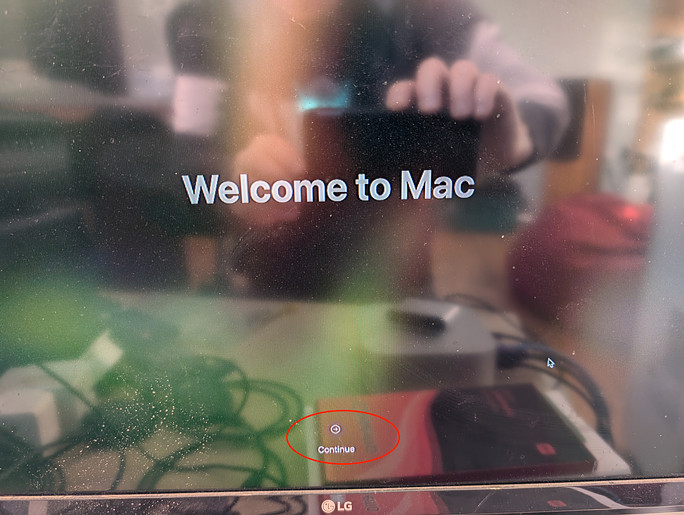
Welcome to Mac. Click Continue
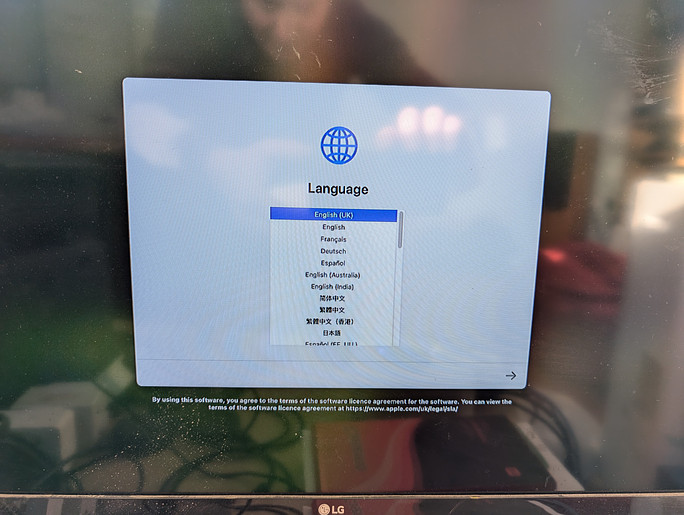
You can choose whatever language you prefer for your Mac. However - if you want me to be able to help you remotely with settings, then please choose English UK
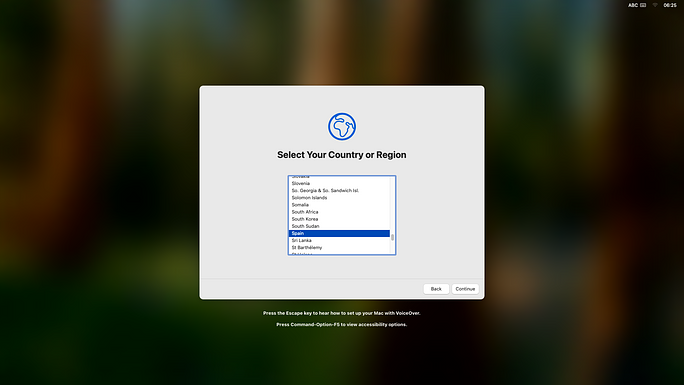
Pick your Region
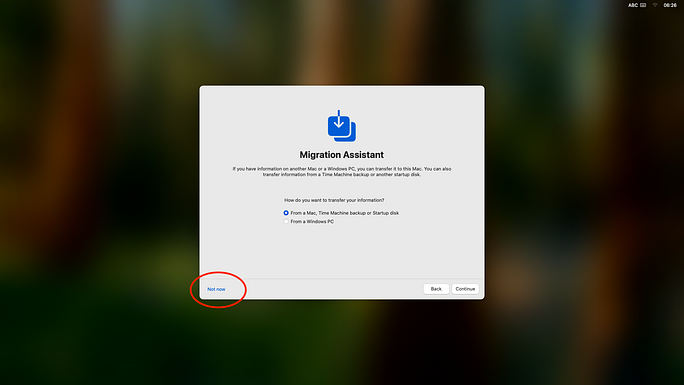
Select 'Not Now' for migration.
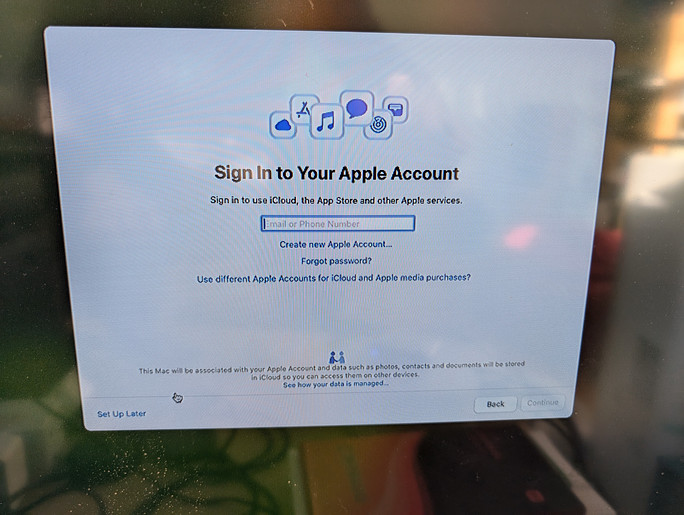
Sign in to your Apple account (or create one)
This should be a dropzone account. Ideally using a dropzone mobile phone for login confirmation.
If you prefer - you can click 'Set up Later' to skip this step.
Agree Terms
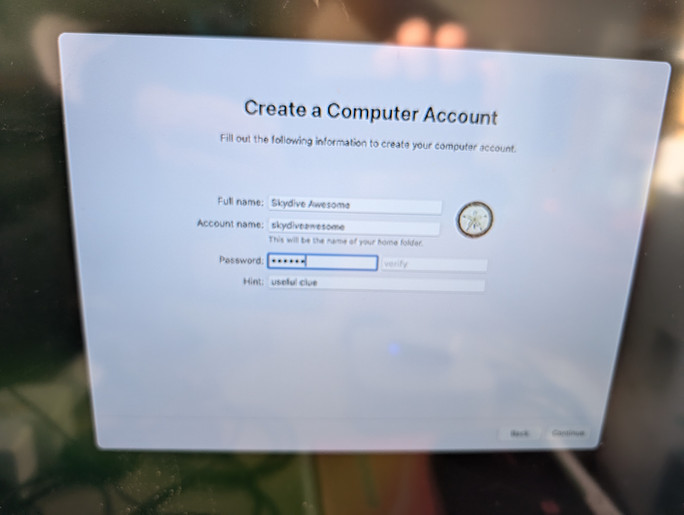
Create a Computer Account.
I suggest using the dropzone name.
You'll need to set a password (make sure to store this somewhere accessible)
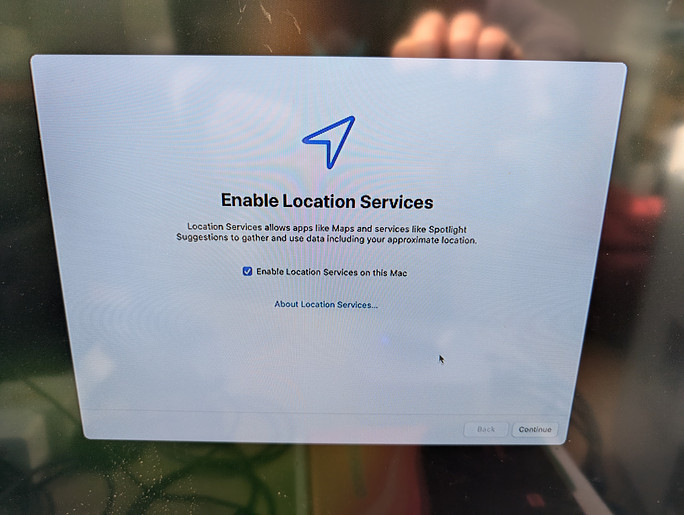
Location services are useful but not required.
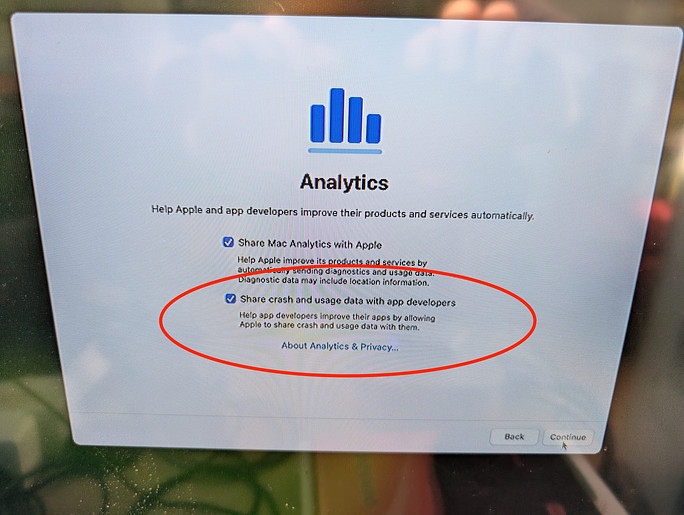
Sharing crash data is very useful.
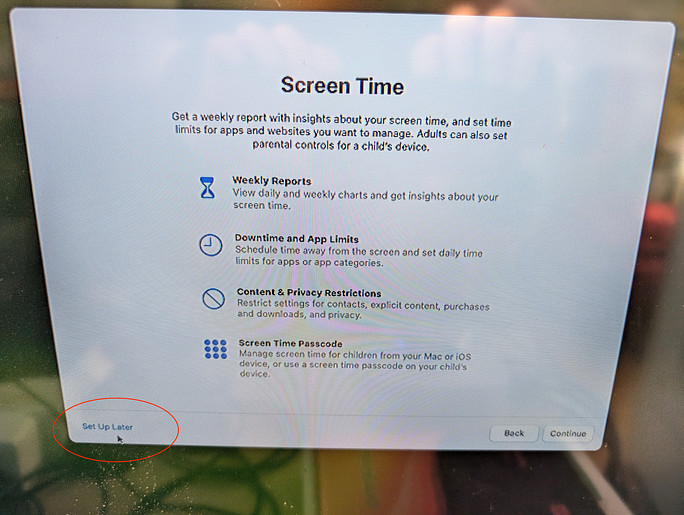
You don't care about screen time
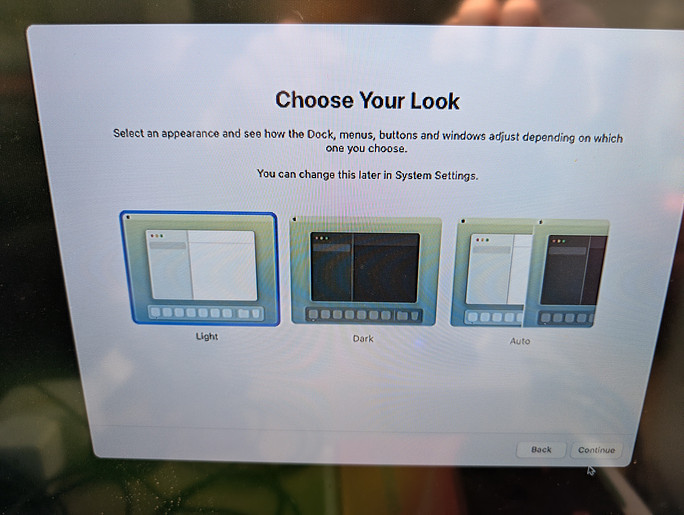
I prefer light - but either is fine
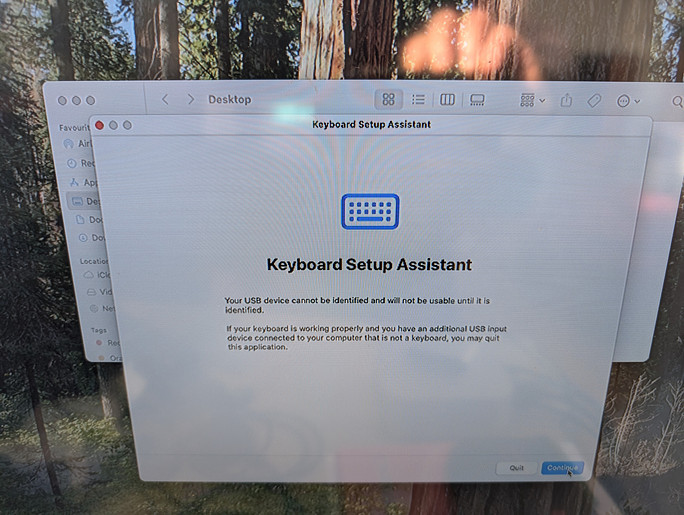
Once you are logged in, you might have to setup your keyboard. Just follow the prompts.
Your Mac is now running - and you're signed in :)