App links...
If you're confident using Mac, iOS and Android, then you can install the apps directly from the links below.
If you're less confident, then please follow the articles from the top in...
Setting up your hardware
Note - these require an App Token
to connect to your account.
(An App Token
is like a password - but it is used by one of our apps to connect to your account on FreeFallFilms)
You can generate App Tokens
here
Edit App
This is the heart of the operation. It edits your videos!
-> Install this on your Mac
NB: Please download with Safari. (Chrome currently has a bug with downloading zipped apps)
QR Code App
This shows the QR code which the videographer should record at the start of their sequence.
-> iPad - Install this on your iPad
or Type Link
or Scan QR Code
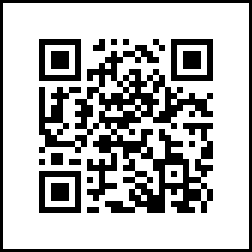
-> Android - Install this on your Android tablet
or Type Link
https://freefall.ing/apps/android
or Scan QR Code
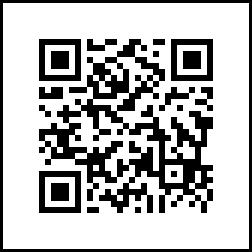
Tip: You can also run the 'QR Code App' directly on your Mac, iPhone or Android phone.
This can be a backup for your tablet, or just an extra place to generate QR codes.
Apple TV App
TV App runs a loop of recent jumps, as well as any promotional posters you want to show
Search for FreeFallFilms TV
on the AppStore
Sync System
For some older booking systems, we use a browser based sync system. (currently only Ground Control & FareHarbour)
Remote Support
This is an optional component, but strongly recommended for the best support experience.
It allows Rob to connect directly to your computer to provide support (Using Zoho Assist)
Note, this is a multi-step installer which requires your passcode and various system permissions.
Please note, these apps upload data to our servers both to enable the basic functionality, and also to allow monitoring & debugging